Check the source format and target character before changing more sliders. A missing download, a different base face, and an incomplete reference require different fixes.
The face looks different despite matching the numbers
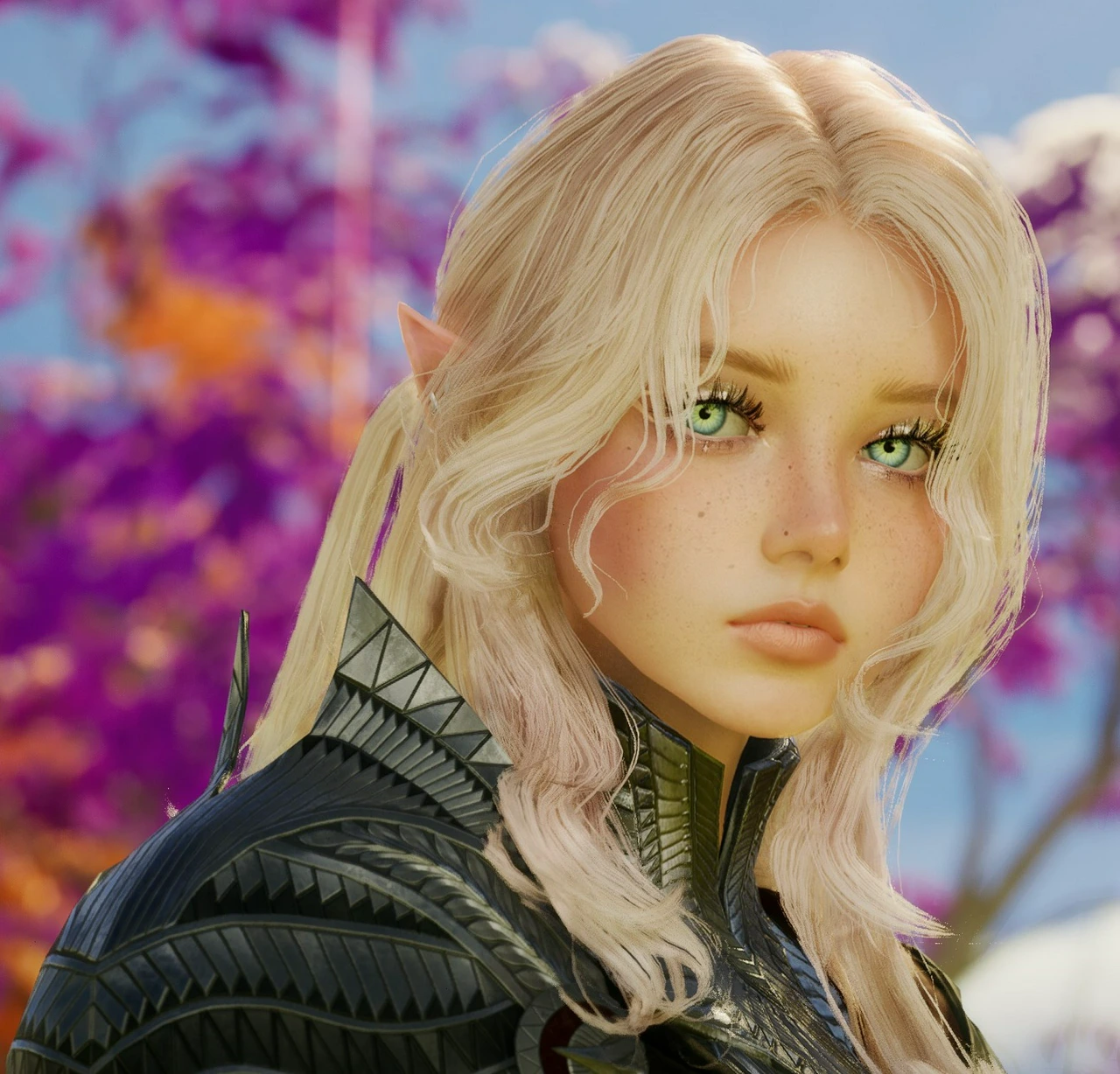
Compare the base face, gender, option selections, and source revision first. Then compare side views and lighting. Kim_Reiko’s creator post specifically distinguishes an earlier version from the revised lips and eye color, so avoid mixing screenshots from both.
A downloaded style is missing from the character
Check the account, service region, and character selected on the official site. Inspect the downloaded-appearance storage and refresh it where available. A listing visible in another region does not establish that it can be applied to your character.
The creation screen has no import option for this reference
A creator album or video is intended for manual comparison; it is not an import file. A Style Shop workflow may use an existing character’s appearance menu. Use the controls your current screen actually offers rather than copying a normal image into a guessed preset folder.
Face sliders are unavailable after loading a community style
Downloaded appearances may restrict access to some settings, as reported in the linked player walkthrough. If you want to edit the face freely, choose an author-shared manual reference and build from an editable starting face.
The source skips some controls
Leave missing values unconfirmed. Use the portrait to guide your own adjustments and label the result as a recreation. Do not present guessed settings as the creator’s exact preset.
If the blocker is a server creation restriction rather than the appearance itself, continue to character creation troubleshooting. For the broader creator overview, see AION 2 character creation.